

Leica M9 Digital Rangefinder
/
Leica M9 Digital Rangefinder
What a pleasure it is to shoot this camera! A friend of mine (thanks, Marsh) was kind enough to loan me his for my recent trip out west.
For me, this is the ultimate stills camera - built like a tank, feels great in your hand and at your eye, and it's the only full frame digital camera that fits in your jacket pocket. Even the sound of the shutter is pleasing. The M9 is everything that's great about a classic rangefinder - small size, low profile, super accurate focus - with the immediacy of digital. But with a list price of 7995 USD and lenses ranging from $2000-7000, it's definitely not a cheap system to get into.
We've seen these charts 1000 times already but the appeal of the M9 is obviously that big fat sensor so here it is in context -


Another advantage of the digital Leica experience is the wealth of vintage, manual focus M Mount lenses available for it. You can find decent deals on Leica and Voigtlander glass from vendors such as Tamarkin and Keh Camera but they still aren't cheap - the average cost of a used lens being over $1000. When I had the camera, I was working with a lovely old, uncoated 35mm Leica lens with a soft focus similar in quality to a 1/2 Pro Mist. It's a lot of fun experimenting with old lenses but in a digital, raw format.
The specs at a glance -
- 18 Megapixels
- Full-Frame 35mm CCD Sensor
- 2.5" LCD
- Classic Rangefinder Design
- Intuitive Controls
- Quiet, Metal Blade Shutter
- High Sensitivity (ISO 2500)
- M Mount Compatible
QUALITY!

Menus and functionality are simple and intuitive. A person with a basic working knowledge of digital photography can be up and running on this camera in minutes.

When I think of Leica, I think of mechanical and optical excellence and not necessarily sensors and image processing. For digital, this is obviously the other half of the equation and while I'm not dissappointed, I'm not overly impressed with this camera's low light performance. You start to pick up noise at 800 ISO and at 1600, it's pretty bad. It's not the ugliest noise I've seen and I suppose in some regard it has its own artistic merit but for what you're spending on this camera, one would hope to have more flexibility with the ISO. Canon and Nikon have been at the forefront of sensor design and image processing and the sensitivity / low light resolution in their latest batch of DSLR's has been remarkable. You will not find performance like this with the M9 sadly. The sensor in this camera is the Kodak KAF-18500 CCD, interestingly enough a 2/3" iteration of this same sensor is found in the Silicon Imaging SI-2K motion picture camera.
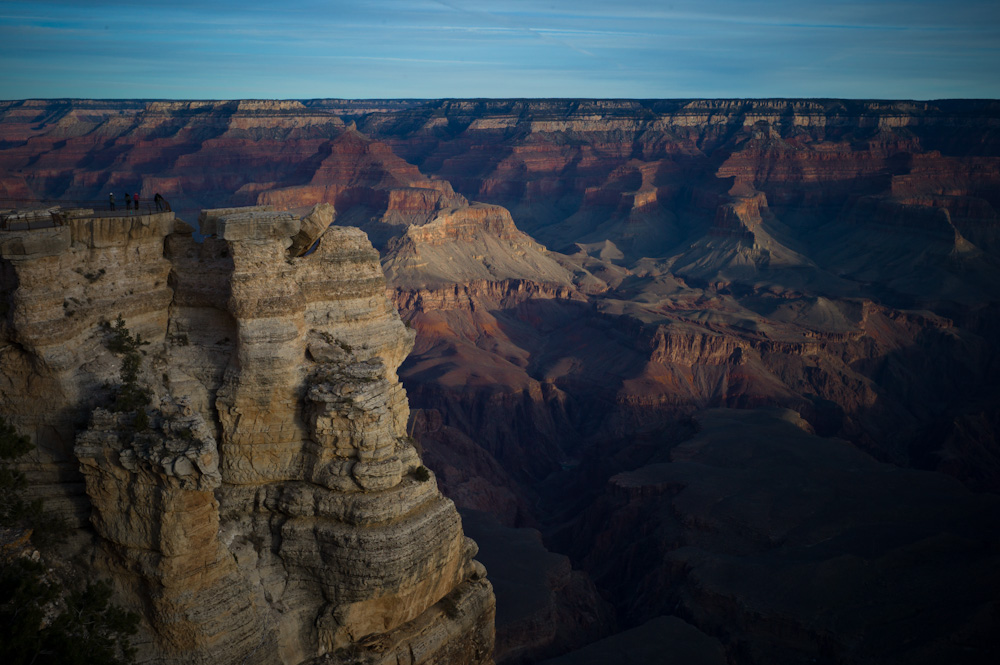
Enough yammering, some shots -




 © 2021 Bennett Cain / All Rights Reserved /